Virtual Backgrounds in Google Meet...SnapChat to the Rescue



SnapCamera / SnapLens for Virtual Backgrounds in Google Meet

During the recent school and workplace closures due to the COVID-19 pandemic, teachers and students found fun and privacy using the virtual background feature in Zoom meetings, and Google Meet users, although enjoying the simple integration of all the G Suite apps like Classroom, Meet, Docs, Slides, and Jamboard, might have felt a little lacking in useful virtual learning environment bells and whistles.


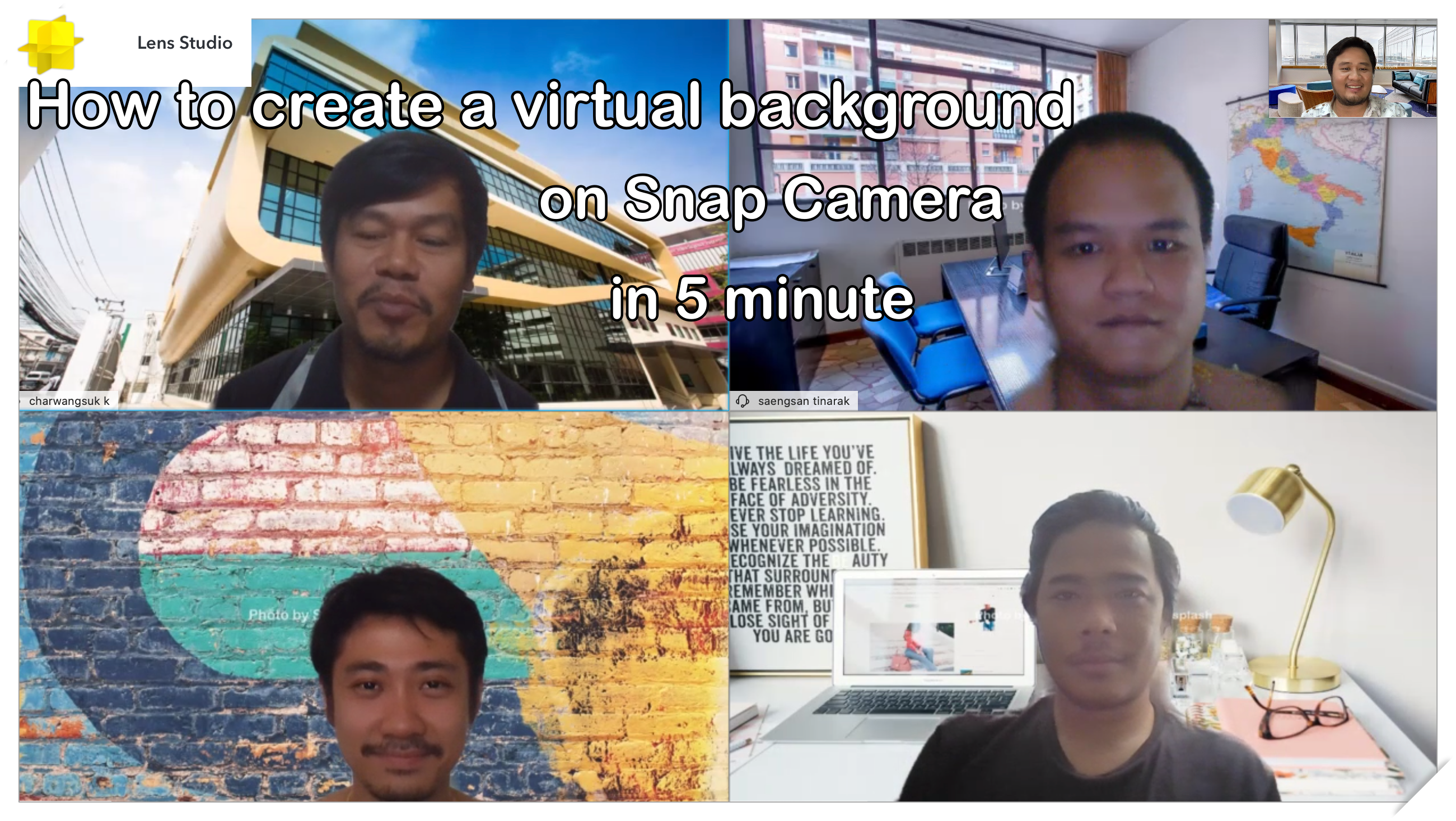
Google Enterprise for Education has promised rollout of future Google Meet features that rival that of Zoom, including breakout rooms, attendance tracking, Jamboard integration (virtual whiteboard), and virtual backgrounds. So, while GEFE users wait patiently (or impatiently) for the developers to complete the finishing touches on the code, there are workarounds.
To improve the functionality of Google Meet during virtual learning sessions, teachers have used Chrome extensions to like Meet Attendance or Meet Grid View and links for multiple Meet rooms for breakout discussion groups. All of these teacher toolbox tricks help to make the virtual classroom more effective.
Along that same vein, SnapCamera is a useful tool to find and use virtual lenses and backgrounds. There is a large library of lenses and backgrounds to search from. Of course, you have to have a Snapchat account, which many teachers have these days, especially for the incorporation of Bitmoji into their texts and media creations. Another caveat is that it doesn't work on Chromebooks, only Mac or PC based machines as you have to download and install the software.
The below links helped me wrap my brain around how to use SnapCamera and how to incorporate that into Google Meet:
If a teacher really wanted to get creative, she could create her own virtual background or AR lens with SnapLensStudio. I have provided the tutorial article that helped me through the process.
Using Snapchat's SnapCamera and SnapLensStudio to add and create virtual backgrounds to meetings through Google Meet can add versatility, fun, and engagement in a distance learning platform. Meeting hosts can take participants on a virtual tour or transplant them to another location. Participants show off their virtual backgrounds and lenses in themed meeting days. Participants can also add levels of privacy and professionalism by using a virtual background. Creators of backgrounds and lenses can share with other Snappers to use in Google Meet, Snapchat, or any other video recording platform like ScreenCastify, Camtasia, or Loom.
Sure, Zoom has backgrounds built in, but part of the fun is figuring out what and how things work. The Google world is vast and has done a lot for education over the past decade or so; I don't mind waiting until they roll out the goods. It just gives teachers time to explore.
If you have ways to enhance the virtual meeting experience, please share them in the comments below. Please also let me know what you would like to learn more about in future blog posts.


Comments
Post a Comment